For iPad and iPhone
Mandolo – Design your own.
Design, color and print mandalas. A calm workshop for mandalas on iPad and iPhone.
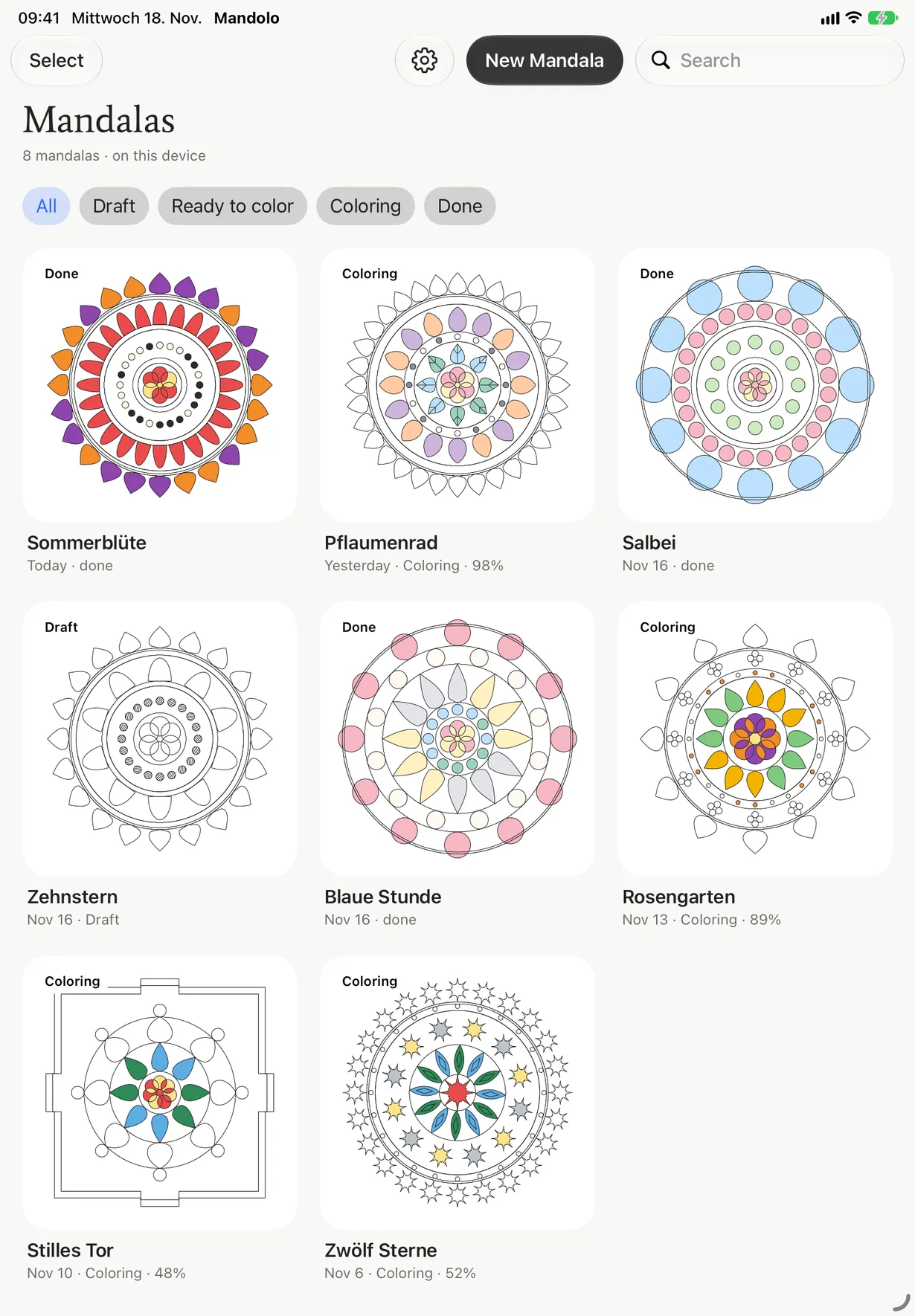
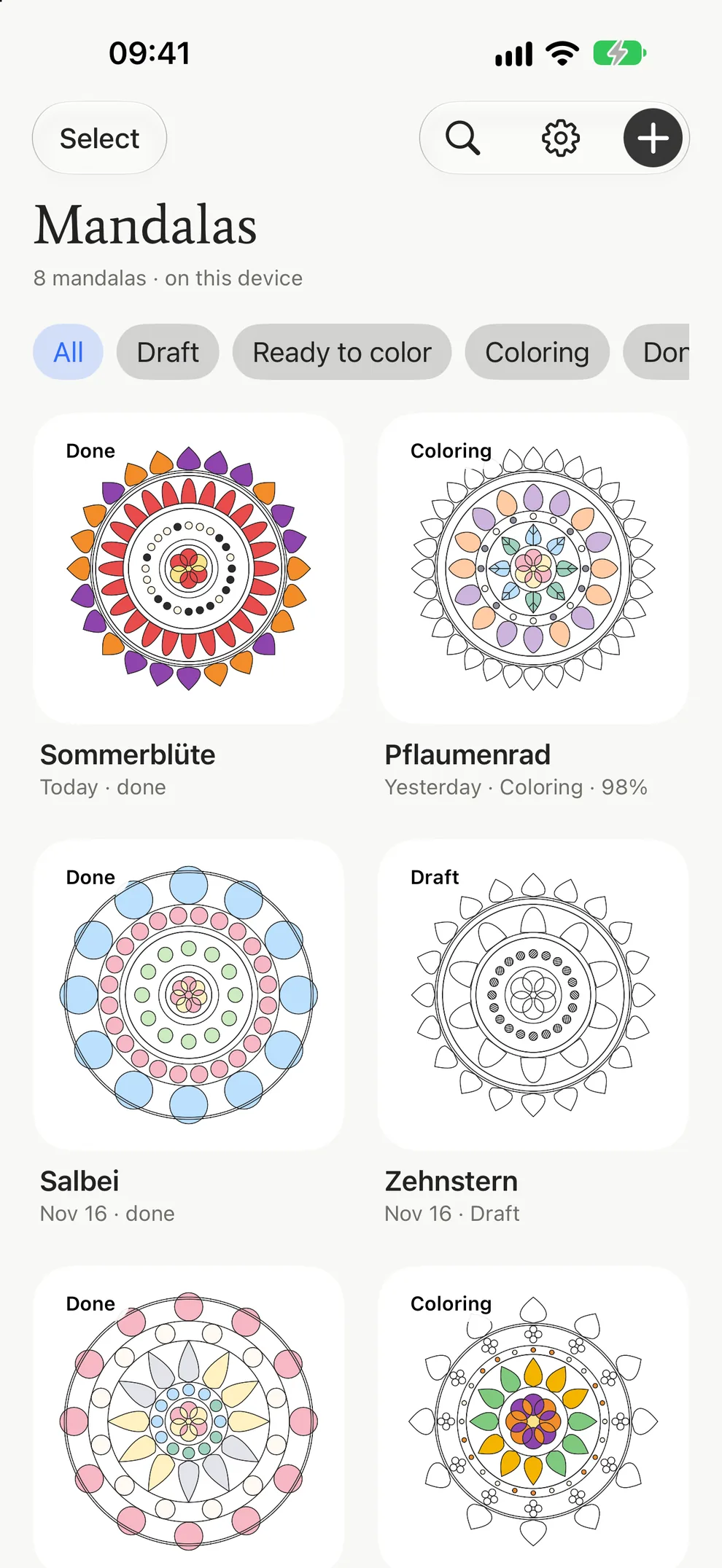
Design
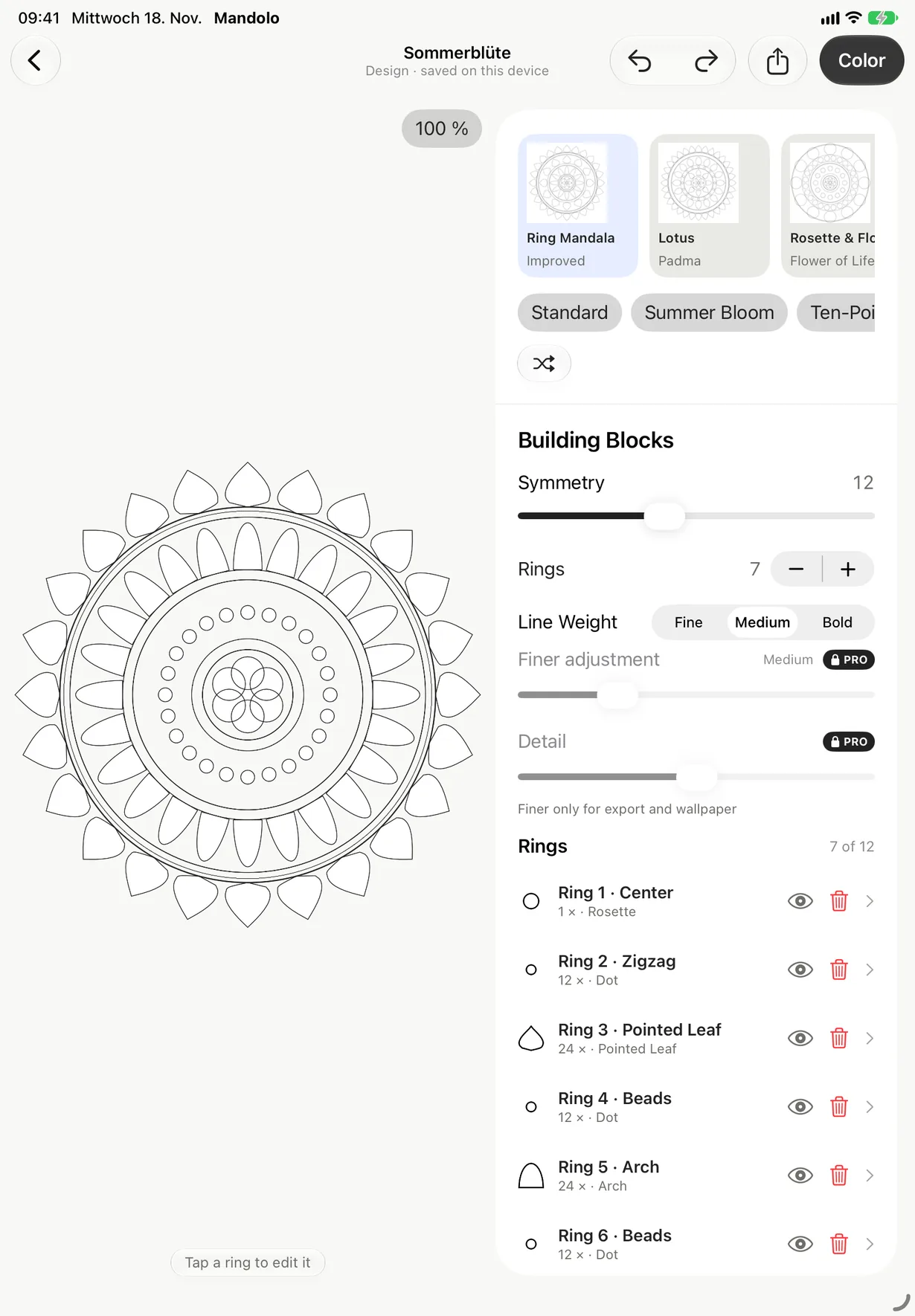
From a base type, shapes and symmetry.
Pick one of nine base types and shape it with sliders: rings, shapes, symmetry, line weight. Mandolo computes every line with exact geometry. You design instead of drawing.
- Eleven shapes, from pointed leaf to rosette
- Three line weights, finely adjustable with Pro
- Shuffle until it feels right
Nine base types
- Ring Mandala
- Lotus
- Rosette & Flower of Life
- Dot Mandala Pro
- Rose Window Pro
- Gate Mandala Pro
- Lace Mandala Pro
- Star Pattern Pro
- Guilloché Pro
Color
One tap, and the area is filled.
With your finger, or with Apple Pencil on iPad: one tap fills an area cleanly up to the line. The color lives in the mandala, the interface stays calm in black and white.
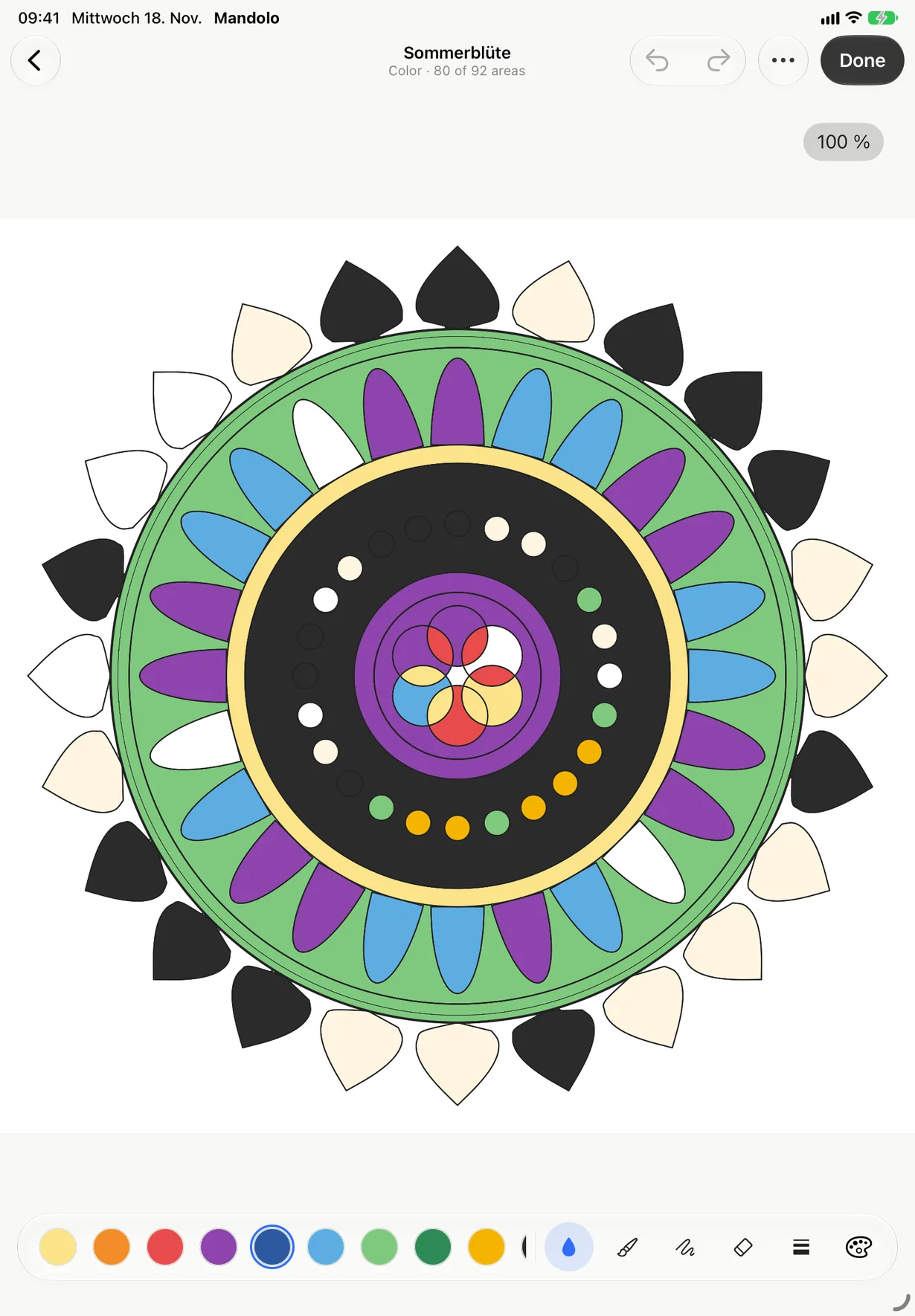
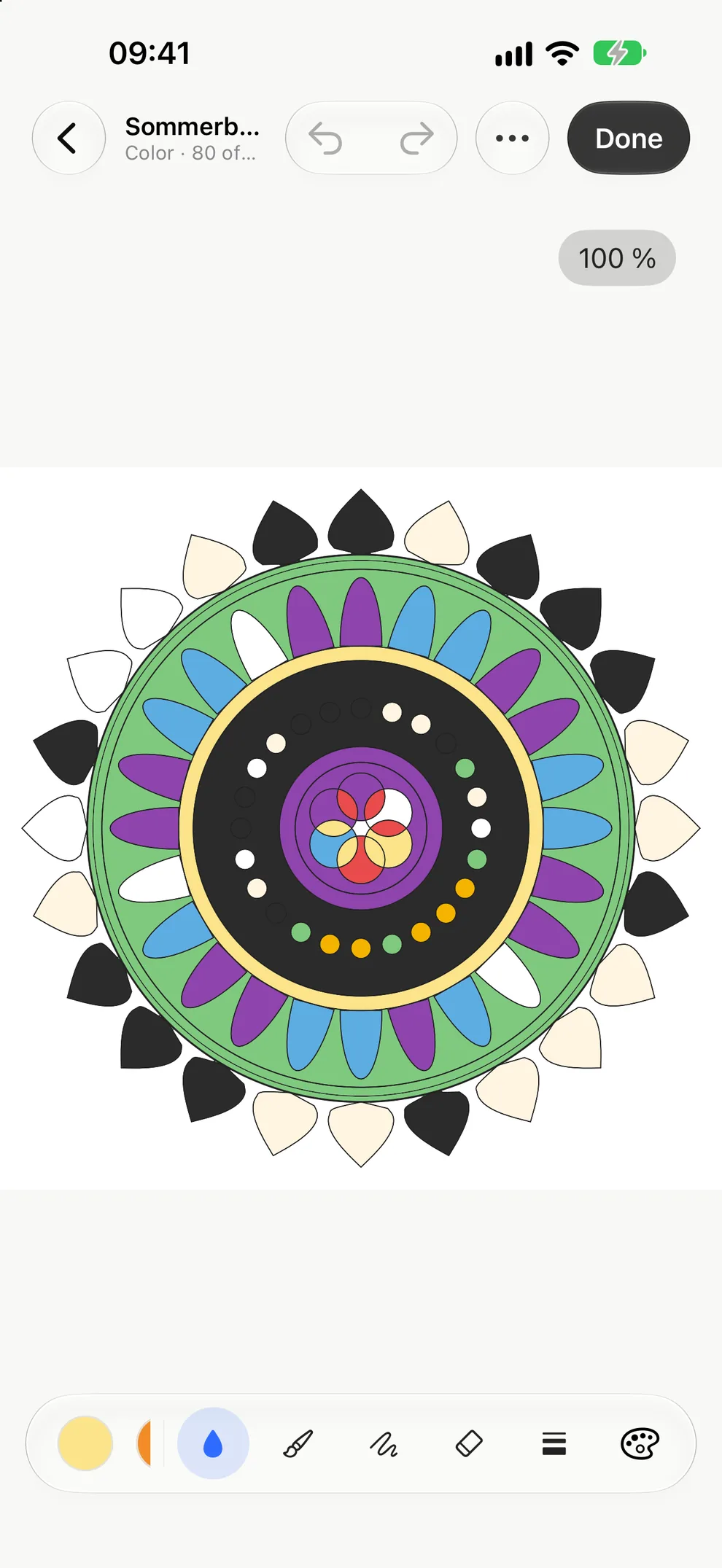
- Classic and Pastel palettes included
- Seven more palettes and your own colors with Pro
- Landscape on iPad, portrait on iPhone
Paint by numbers · Pro
Numbers show the way.
Every area carries a number, every number a color. Or connect the dots and let the mandala appear line by line. Both are part of Mandolo Pro.
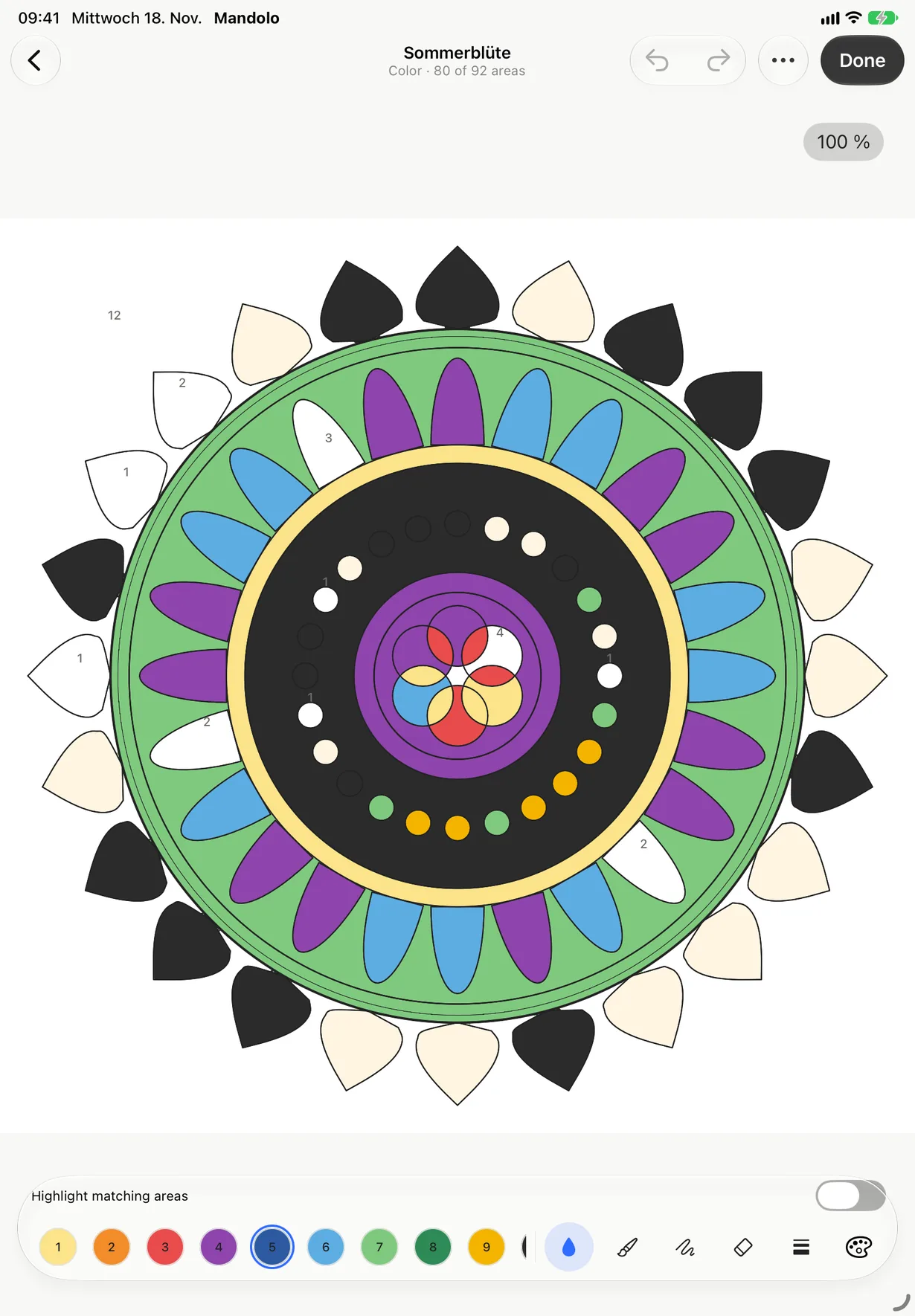
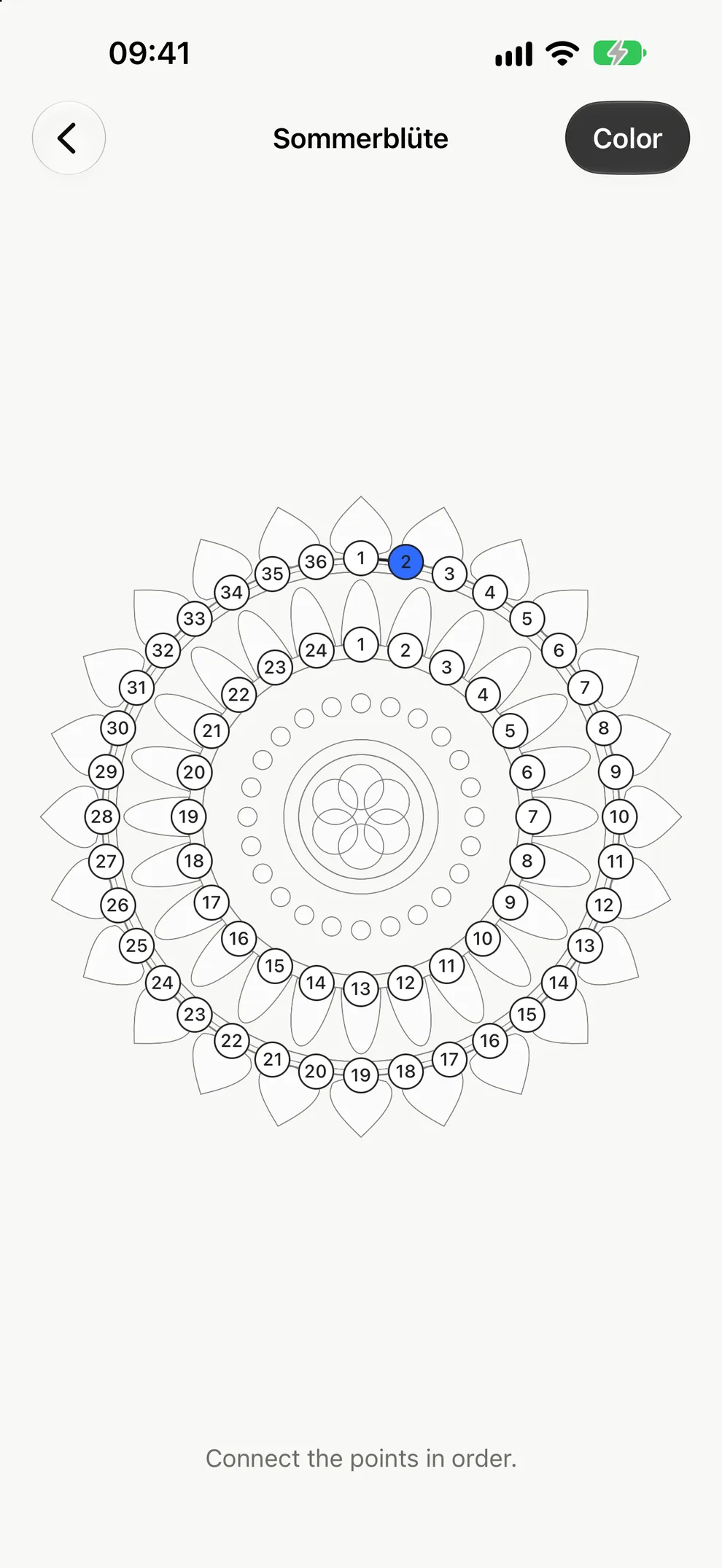
Color by number
Fill each area in the color of its number until the whole mandala glows.
Connect the dots
Follow the numbers from dot to dot and trace the shape yourself.
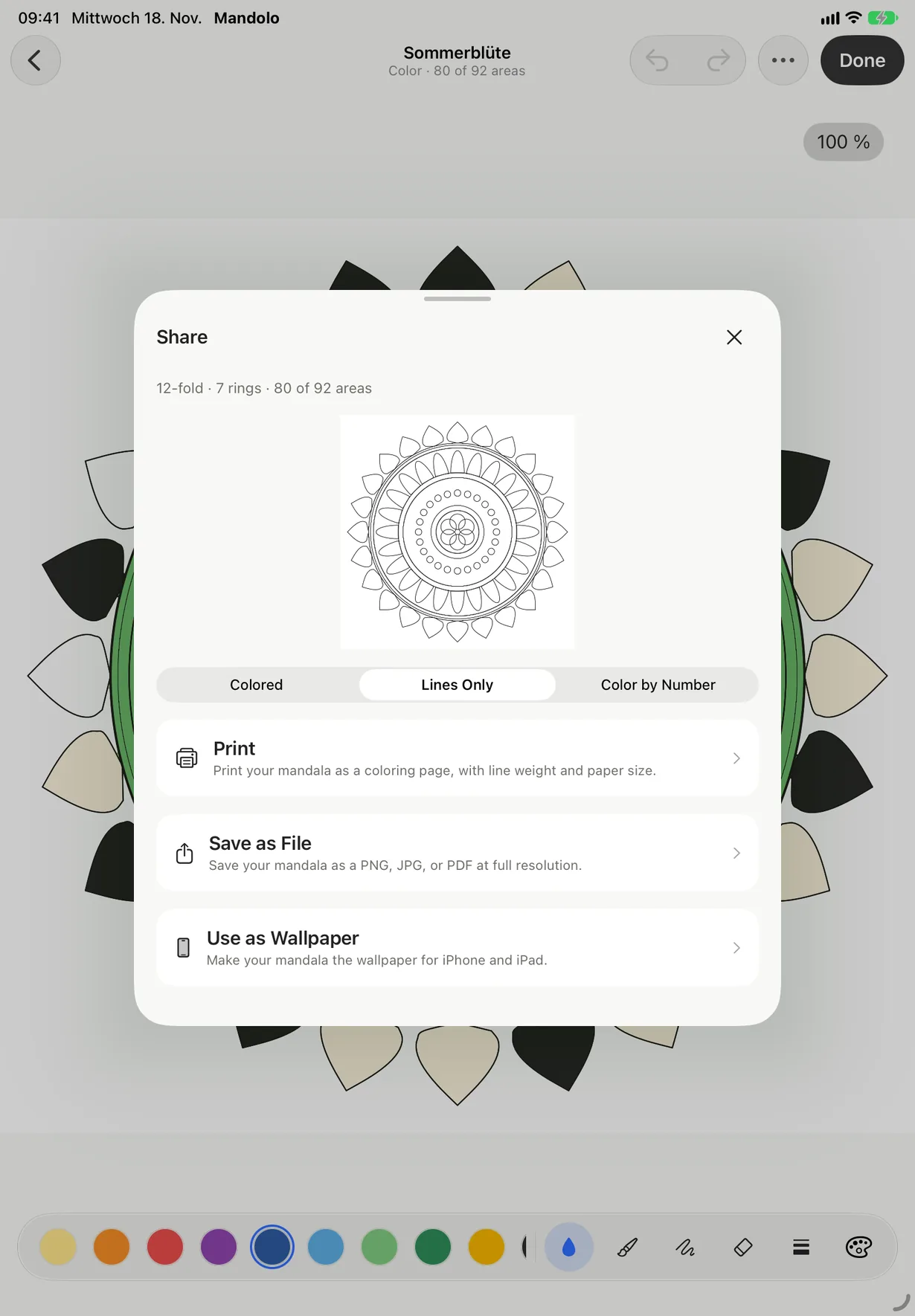
Print and export
Ready for paper.
Print the line drawing to color on paper, or share your mandala as PDF, SVG, PNG or JPG. Once colored, it also becomes a wallpaper that you set yourself in Photos.
- PDFfor printing
- SVGas a vector file
- PNG · JPGas an image
- Wallpaperfor iPad and iPhone
Full-resolution export is part of Mandolo Pro.
Calm, with your data too
Your mandalas stay with you.
No sign-in
Open Mandolo and begin. There is no account with us.
No ads, no tracking
The app contains no advertising and no analytics tools.
iCloud, if you like
Your mandalas live on your device and, if you choose, in your private iCloud.
Mandolo Pro
Buy once, keep it forever.
Download Mandolo for free and start designing right away. Pro unlocks everything else, as a one-time purchase with no subscription.
€6.99one-time · no subscription
| Free | Pro | |
|---|---|---|
| Base types | 3 | All 9 |
| Shapes | 6 | All 11 |
| Palettes | Classic, Pastel | All 9 and your own colors |
| Line weight | 3 levels | Fine control |
| Paint by numbers and connect the dots | – | Included |
| Export | Included | Full resolution |
Price in Germany. You see the price for your country in the app before you buy.
FAQ
Good to know.
Do I need an account?
No. Mandolo works without signing in. Your mandalas live on your device and, if you like, in your private iCloud.
Which devices does Mandolo run on?
iPad and iPhone with iPadOS or iOS 26. Mandolo is designed for iPad and runs just as well on iPhone.
Do I need an Apple Pencil?
No. You color with your finger. On iPad you can also use Apple Pencil.
What is free, what is Pro?
Free includes three base types, six shapes, the Classic and Pastel palettes and three line weights. Pro unlocks all nine base types and eleven shapes, plus all palettes, your own colors, paint by numbers, connect the dots, fine line weights and full-resolution export.
What does Mandolo Pro cost?
Mandolo Pro is a one-time purchase of €6.99, not a subscription. You see the price for your country in the app before you buy.
Can I print my mandalas?
Yes. Print the line drawing straight from the app, or share it as PDF, SVG, PNG or JPG.
Which languages is Mandolo available in?
The app and this website are available in English and German.
More answers on the support page.
Your next mandala is waiting.
Mandolo for iPad and iPhone.
Coming soon to the App Store